Fast point of sale
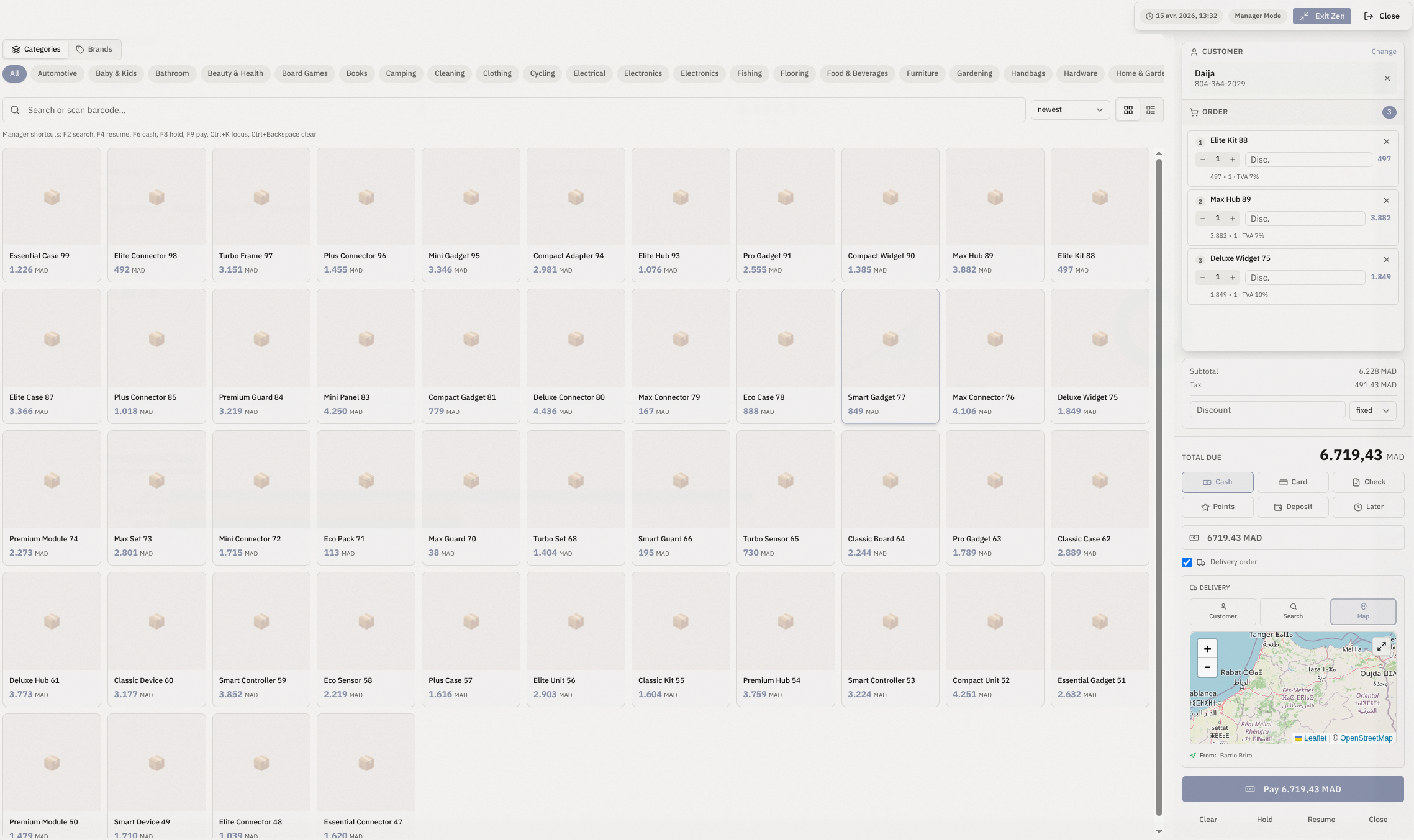
Create receipts, invoices and hold transactions with keyboard-first workflows.
Modular tools, one data model
Create receipts, invoices and hold transactions with keyboard-first workflows.
Generate compliant invoices, delivery notes and printable documents in one click.
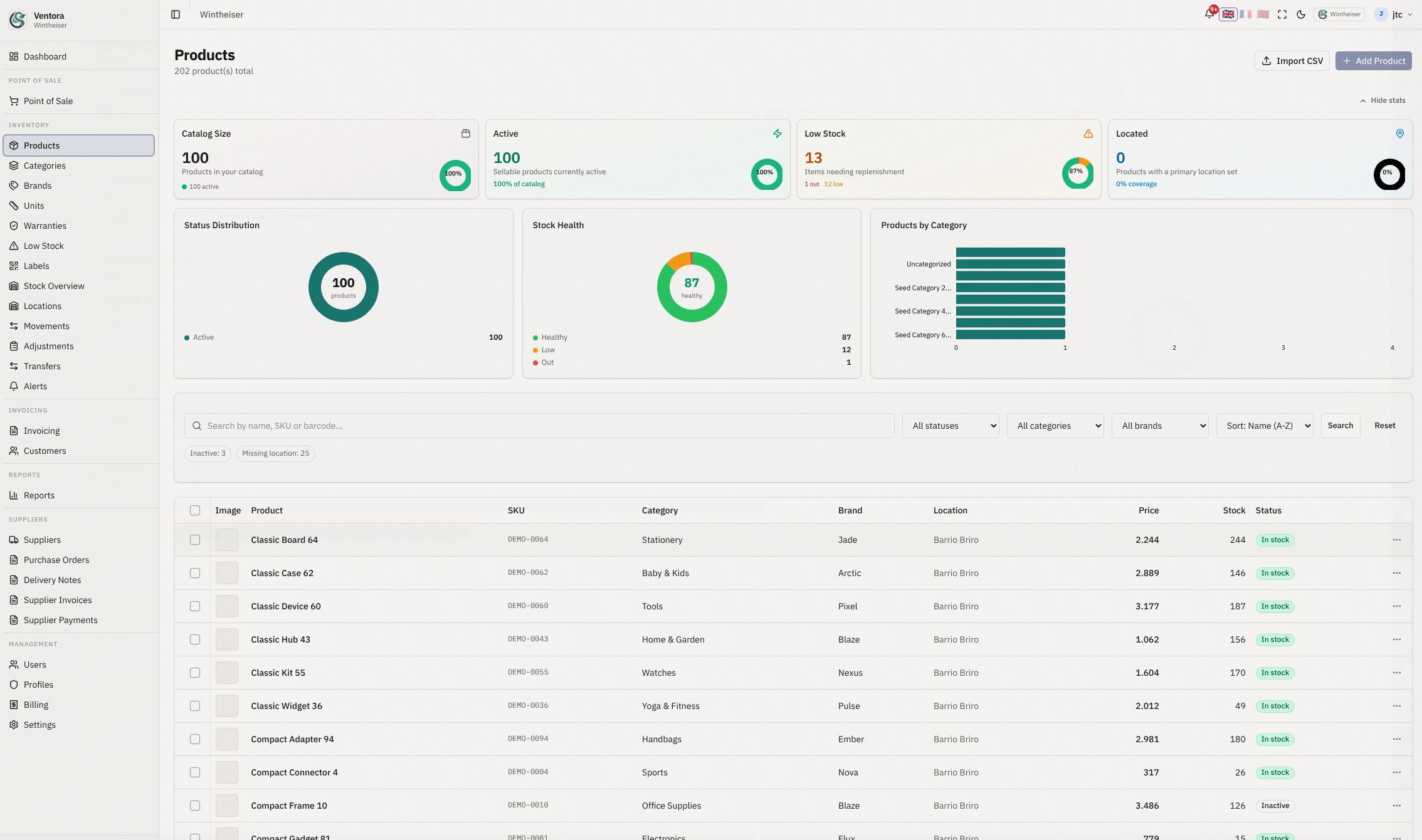
Track movements, alerts, transfers and quantities by location with clear audit history.
Configure cash, card, transfer and mobile wallet details for your customer documents.
Tenant-scoped data filters and ownership policies protect every company workspace.
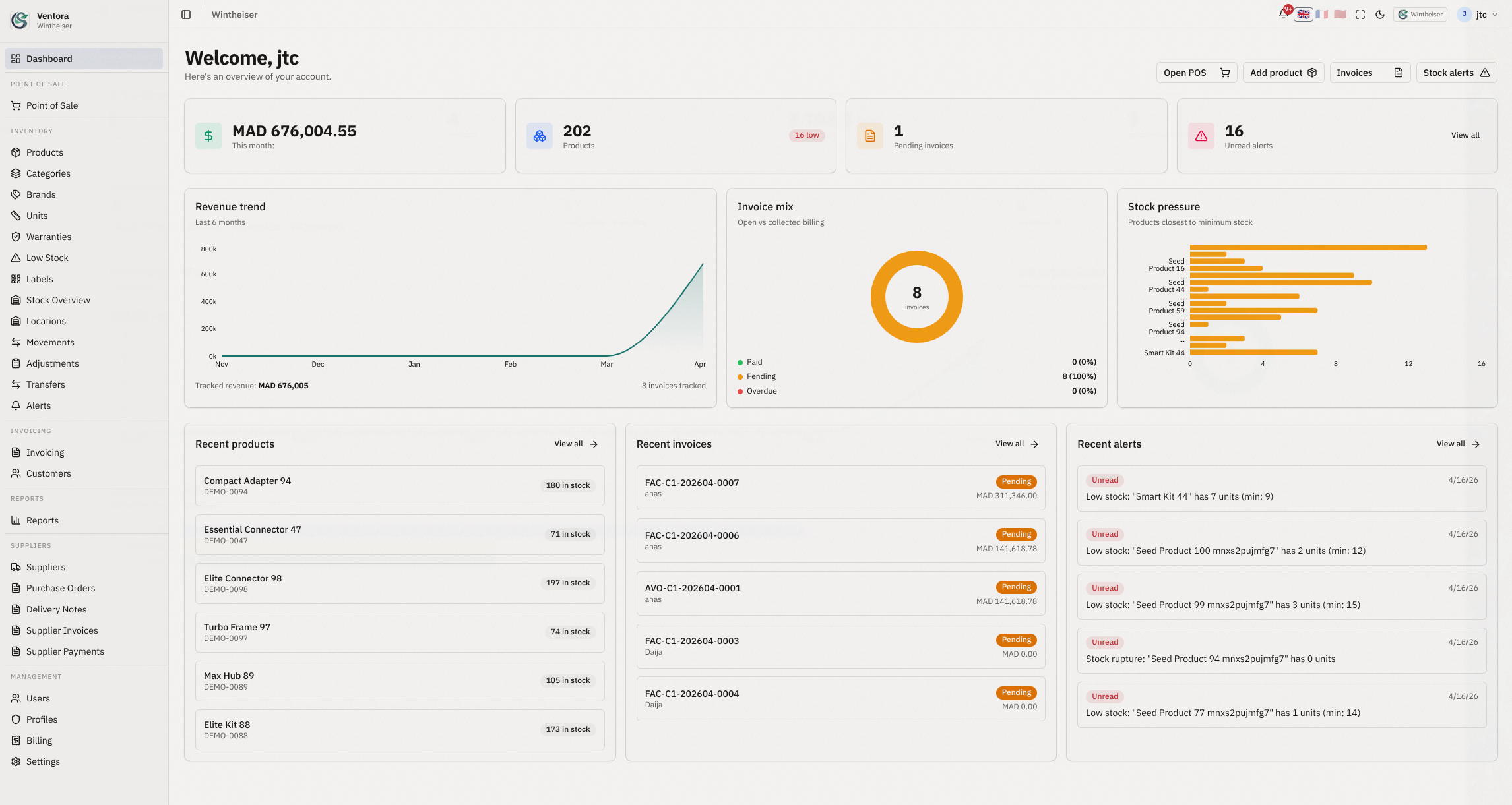
Follow revenue trends, invoice status and stock pressure to make better decisions.
Step 1
Start with products, customers, suppliers and locations already used by your team.
Step 2
Set role/profile access and activate the right modules for each company.
Step 3
Open POS, issue invoices and track stock alerts from day one.
“Our cashiers onboarded in one afternoon, and stock mismatches dropped immediately.”
R. Benali
Retail operations manager
“Purchase orders, delivery notes and invoices now flow from one source of truth.”
M. Karim
Wholesale distributor
“We replaced four spreadsheets and two apps with one dashboard.”
L. Moreau
Boutique owner
Ventora scales from one store to multi-branch operations with strict tenant boundaries.
Role-based access and profile permissions by module
Web + mobile ready operations
JWT auth, ownership policies and scoped APIs
Yes. Every tenant-scoped module enforces company filtering and ownership checks by default.
No. Invoicing, delivery notes and stock movements share one data model.
Yes. Ventora supports English, French and Arabic with RTL layout support.
Create users with role + profile permissions, then sign in from the secure login page.
Use your existing Ventora login to access POS, inventory and invoicing modules immediately.